
A $7 ESP32 drives a real iPhone with no Xcode and no accessibility tree; its only check after every action is whether the screenshot changed
esp32-iphone-agent needs no Mac-side Xcode, developer account or jailbreak to control a real iPhone, and its write-ups describe one correctness signal: did the screenshot change. phoneshell needs all three of what the ESP32 project avoids, and grades its 80 tasks from device state precisely because a changed screenshot is not evidence of a correct one.
esp32-iphone-agent, MIT licensed and sitting at roughly 3,300 GitHub stars after coverage by Hackaday on 14 October 2026, controls a real iPhone with a $7 Seeed Studio XIAO ESP32S3 acting as a USB mouse and keyboard, reading the screen only through AirPlay mirroring. Neither of the two write-ups we checked mentions an accessibility-tree read anywhere in the loop: both describe a vision model deciding actions from screenshots, and a retry check that asks only whether the screenshot changed after each one. phoneshell reads the accessibility tree on every step and grades its 80 tasks from device state once the agent stops, because, in its own runner's words, "the agent never sees the checks, never sees the setup script, and its own account of what it did counts for nothing."
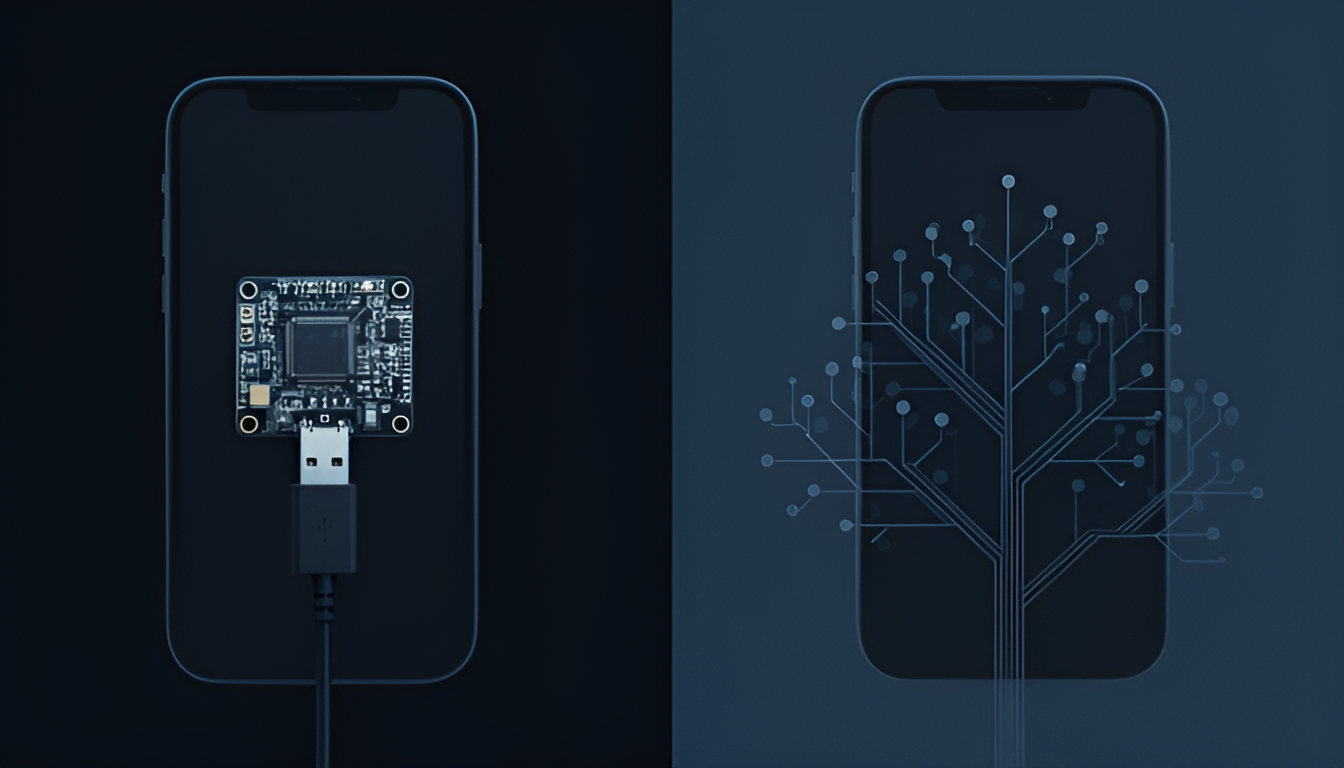
Eyes from AirPlay, hands from a $7 board, no app installed on the phone
Per opensourceforu's 15 October 2026 write-up, the setup described there runs the iPhone's screen through AirPlay to a computer running UxPlay, while an ESP32-S3 plugged into the phone's USB port presents itself as a standard mouse and keyboard. A Python FastAPI server reads the mirrored screenshots, sends them to any OpenAI-compatible vision model (cloud or local, no specific model named), and a planning step breaks a request into actions: tap, swipe, type, or draw. After each action the server checks whether the screen changed, and can retry if it did not. The GitHub project page itself, found separately, describes a newer variant where the ESP32-S3 is its own AirPlay receiver with no separate computer needed; the two sources describe different versions of the same project and we have not verified which is current, so we attribute each description to its own source rather than merging them.
Either version shares the part that matters here: no Xcode, no Apple developer account, no jailbreak, and nothing installed on the phone beyond what AssistiveTouch and Screen Mirroring already are. phoneshell needs a Mac, Xcode, a signed WebDriverAgent runner and, for the cable path, a developer account, to get the same physical access this project reaches with a $7 board and the phone's own accessibility feature for pointer control.
| esp32-iphone-agent | phoneshell | source | |
|---|---|---|---|
| hardware needed | $7 ESP32-S3 board, USB | a Mac, a cable or wifi | opensourceforu.com, 15 Oct 2026; phoneshell README |
| Xcode / dev account | not required | required for the signed WDA runner | opensourceforu.com; phoneshell/device.py bringup checks |
| screen access | AirPlay mirroring | WDA /screenshot and MJPEG stream | opensourceforu.com; phoneshell/wda/client.py |
| state access | not mentioned in either write-up checked | accessibility tree via WDA /source, read every step | opensourceforu.com, hackaday.com; phoneshell/actions.py |
| correctness signal described | "did the screenshot change" | device state read once, after the agent stops, independent of the model's report | opensourceforu.com; phoneshell/bench/runner.py |
| license / maturity | MIT, ~3,300 stars as of Oct 2026 | open source, 80-task public benchmark | trendshift.io; huggingface.co/datasets/blolabel/phoneshell-bench |
"The screen changed" and "the task is done" are different claims
A changed screenshot is consistent with a successful tap. It is equally consistent with a loading spinner, a keyboard sliding into view, a push notification, an ad, or the wrong app opening. None of those indicate that the instruction was carried out, only that something on screen moved. phoneshell has its own notion of "the screen settled," in watch.py: SETTLE_GAP = 0.5, with the comment "WDA's MJPEG goes silent while nothing moves: silence this long = at rest." What matters is what that signal is used for. phoneshell's settle detection decides when to capture a keyframe during macro recording. It is never used to decide whether an action succeeded. That judgement is reserved for the checks in bench/verify.py, which read specific device state: the foreground bundle id, an element's text, a value on screen, after the agent has stopped, with the agent's own report carrying no weight at all.
What it means
The ESP32 project is not trying to be an evaluation harness, and its stated limitations (portrait-only, ASCII-only keyboard input, a computer still needed for at least one variant) suggest its authors know the tradeoffs. The comparison is still informative: it shows how much of an agent's reach over a real iPhone comes from the phone's own accessibility affordances (AssistiveTouch, Screen Mirroring) rather than from Apple's developer tooling, and how cheaply that reach can be bought. What it costs is legibility. An agent whose only feedback is "the pixels moved" cannot distinguish progress from a distraction, and nothing in the write-ups we found describes a mechanism that would let it. phoneshell's answer to the same problem is to never let a screen change, by itself, count as anything.
Check it yourself
# the project described
git clone https://github.com/onehumanbeing/esp32-iphone-agent

# phoneshell's settle detection, used only for timing
grep -n "SETTLE_GAP" phoneshell/watch.py

# phoneshell's grading rule, used for every bench task
sed -n '1,12p' phoneshell/bench/runner.py
What would prove this wrong
If esp32-iphone-agent's maintainers document an accessibility-tree or OCR-based state check we missed, or publish task-level results showing its screenshot-changed heuristic tracks ground-truth success closely on a labelled task set, this comparison understates what it does and should be revised. We will check the repository again by 17 November 2026.
Sources
- onehumanbeing/esp32-iphone-agent, GitHub repository. github.com/onehumanbeing/esp32-iphone-agent
- "ESP32 iPhone Agent Opens AI Phone Automation," Open Source For U, 15 October 2026. opensourceforu.com/2026/10/esp32-iphone-agent-opens-ai-phone-automation
- "AI Controls iPhone Via ESP32," Hackaday, 14 October 2026. hackaday.com/2026/10/14/ai-controls-iphone-via-esp32
- Blomega/phoneshell,
phoneshell/watch.pyandphoneshell/bench/runner.py. github.com/Blomega/phoneshell